 Nearby Storage Share
Turn spare storage into a private drive for people nearby.
Share 5 GB, 10 GB or any amount of free space from a phone or computer. Other devices on your Wi-Fi or hotspot connect, browse, upload and download. No cloud, no accounts, no server of ours in between.
Version 1.6.0 · Android, Windows, macOS and Linux · free to use
- End-to-end encrypted
- No accounts
- No ads or tracking
- Works offline
What it does
Host from a phone or a computer
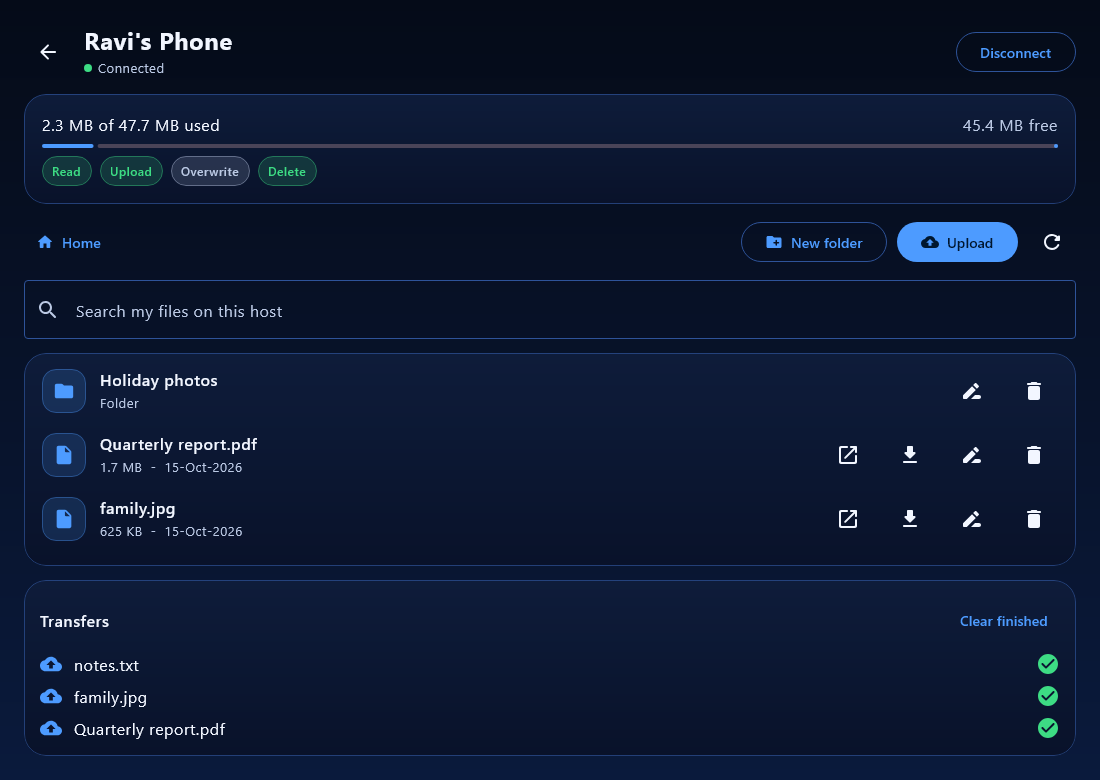
Pick how much space to share and where the files go. Guests can never use more than you allow, and your device always keeps a safety reserve free.
Connect nearby, in seconds
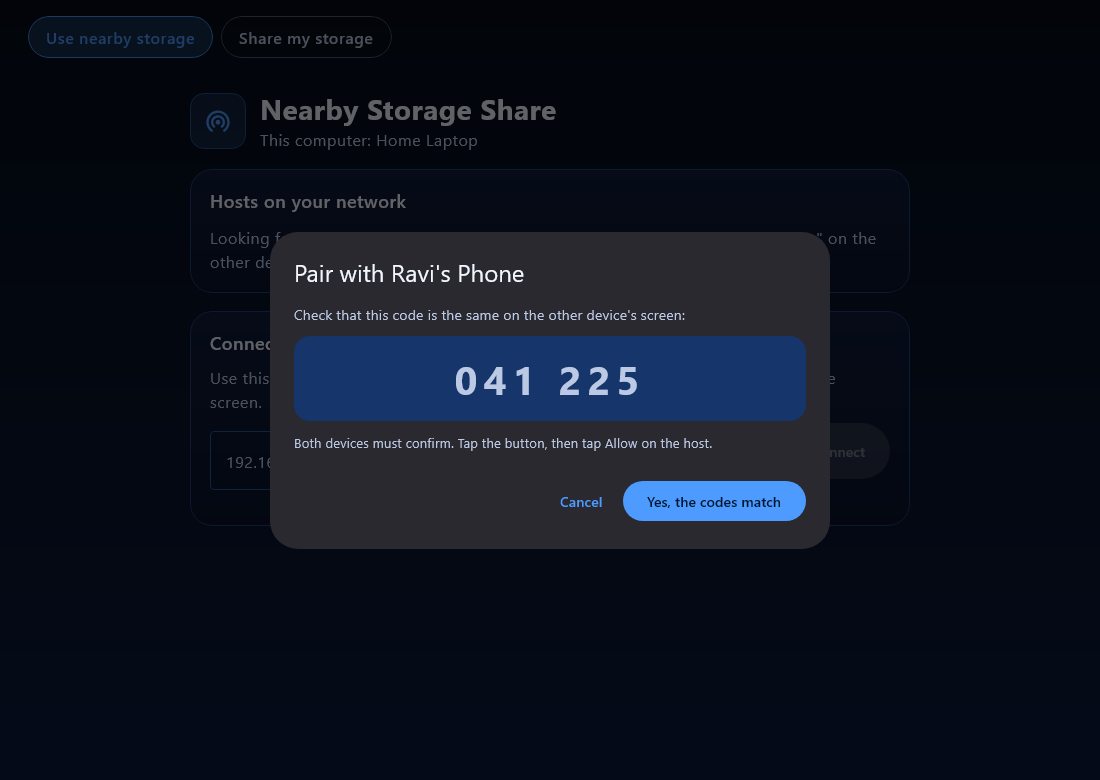
Android phones find each other with Google Nearby Connections; every device also works over the same Wi-Fi or hotspot. Confirm the same 6-digit code on both screens and you are paired.
You stay in control
Per-device permissions (view, upload, replace, delete, create folders), storage limits, expiry times, revoke, block and a security log, all enforced on the host.
Files you can actually see
Store guest files in a normal folder with real names, one subfolder per guest, and open them in your file manager. Hidden storage is available if you prefer it.
Use it like a drive
On Android the host appears in the system Files app, like a drive. Open, save, rename and delete without opening Nearby Storage Share.
Clear transfers
Progress notifications from 0 to 100%, checksum verification on every file, and a history of what moved and when.
How it works
- Host switches sharing onChoose the amount of space, the folder and who may connect.
- Guest finds the hostIt appears in the list automatically, or type the address the host shows.
- Compare the codeBoth screens show the same 6 digits. The host presses Allow. This pairing is remembered.
- Share filesBrowse, upload, download and open files within the limits the host set.
Visual connection guide → · Step-by-step guide →
Runs on
Screens
Gallery
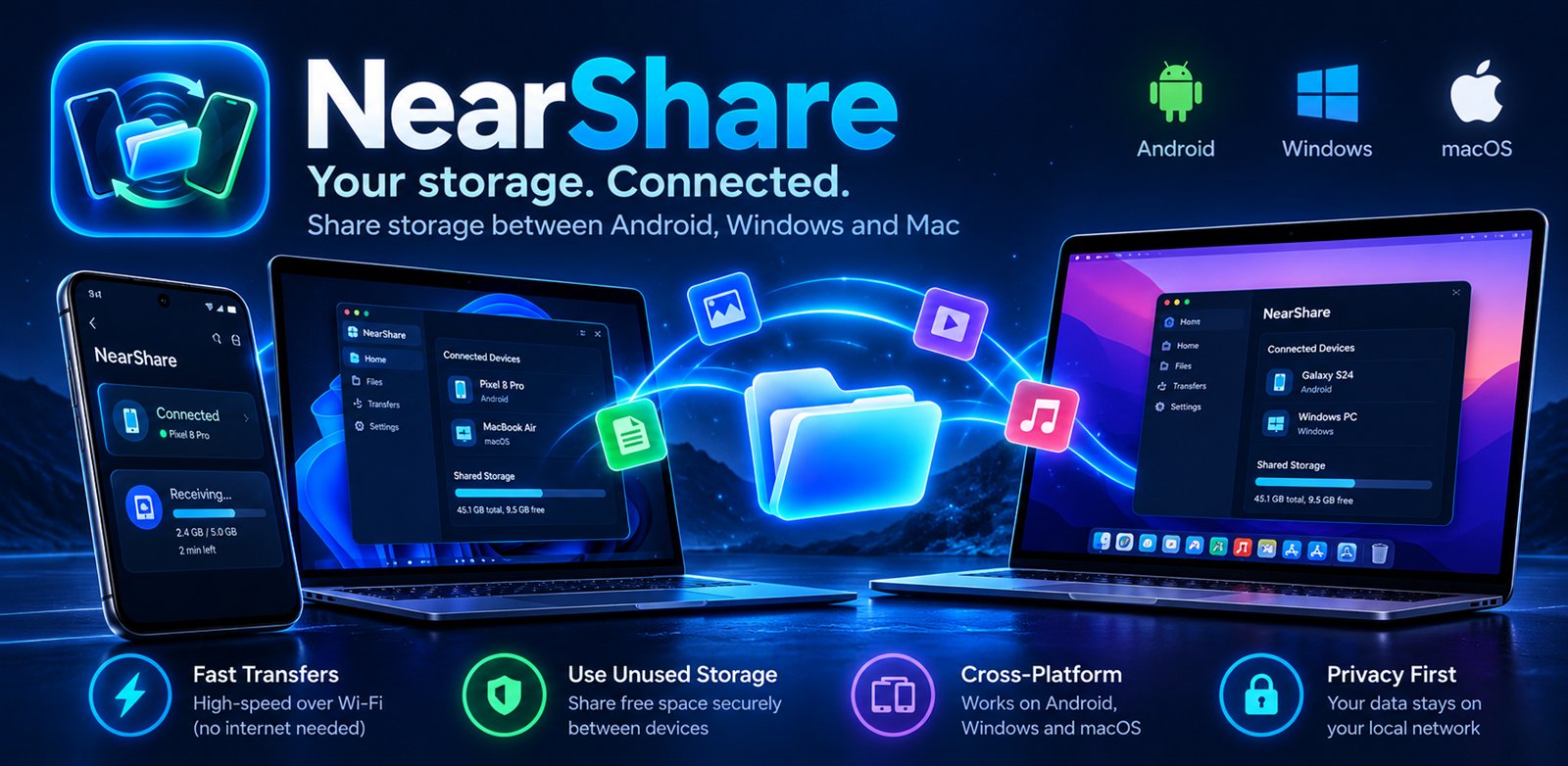
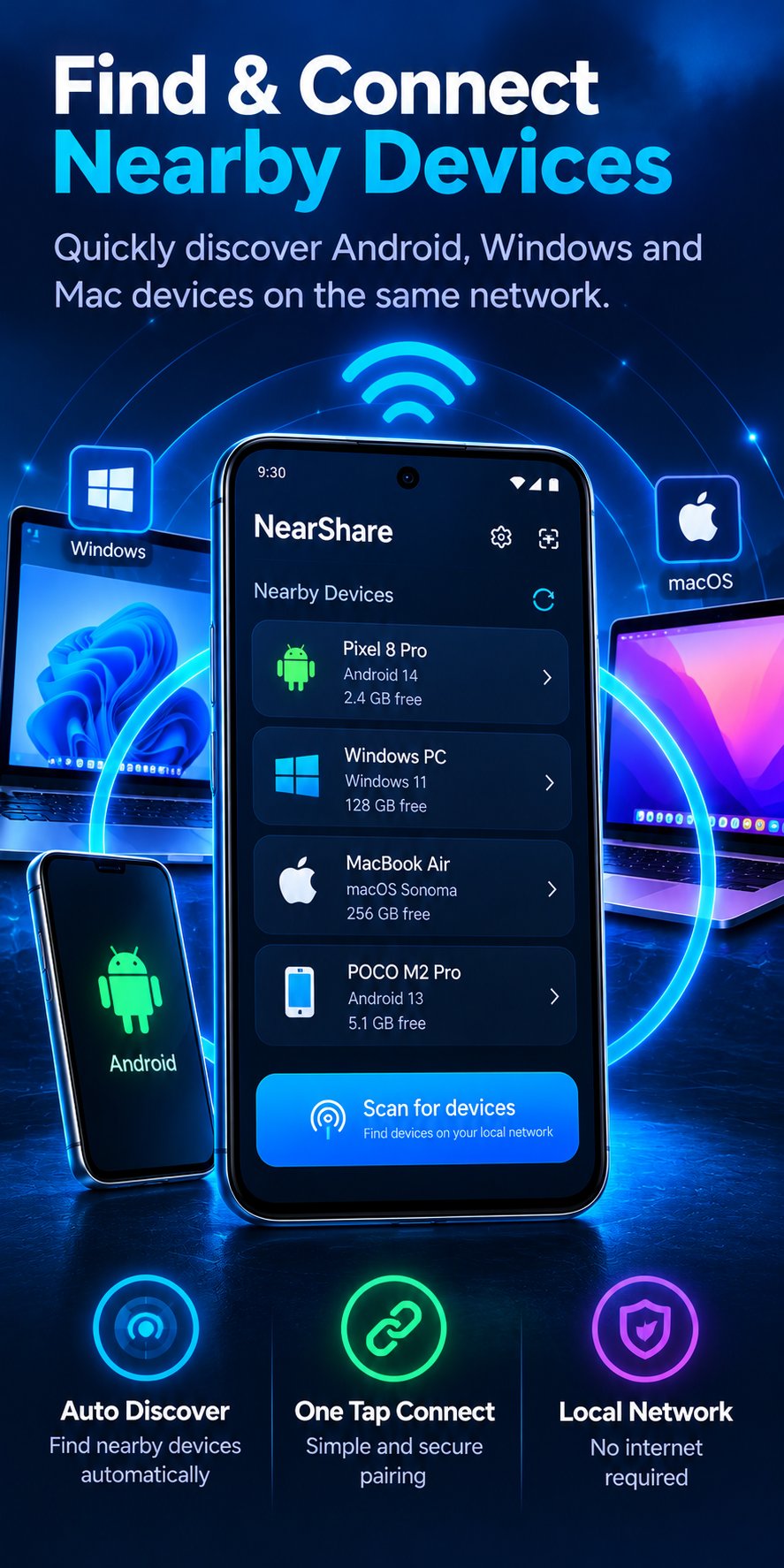
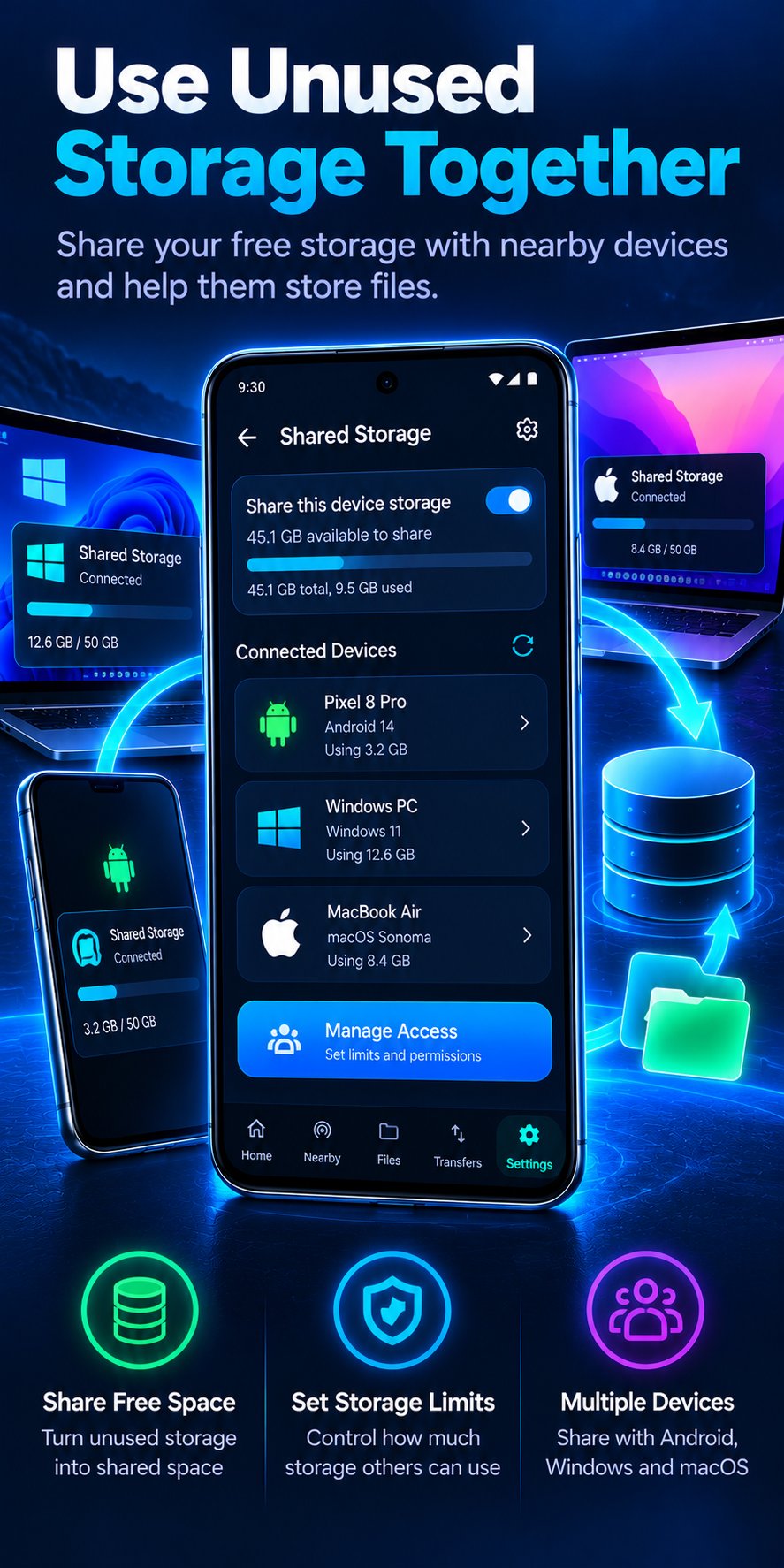
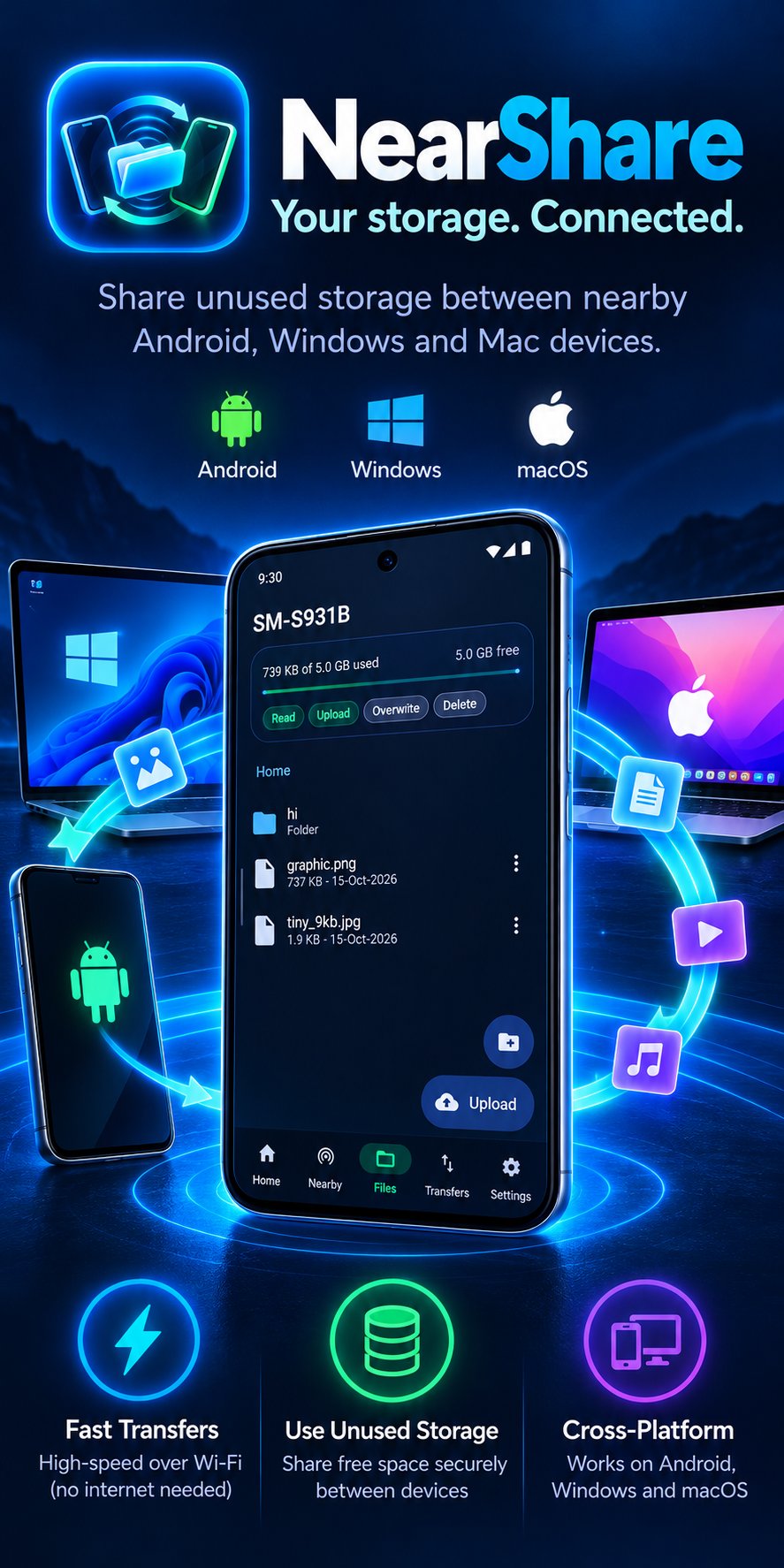
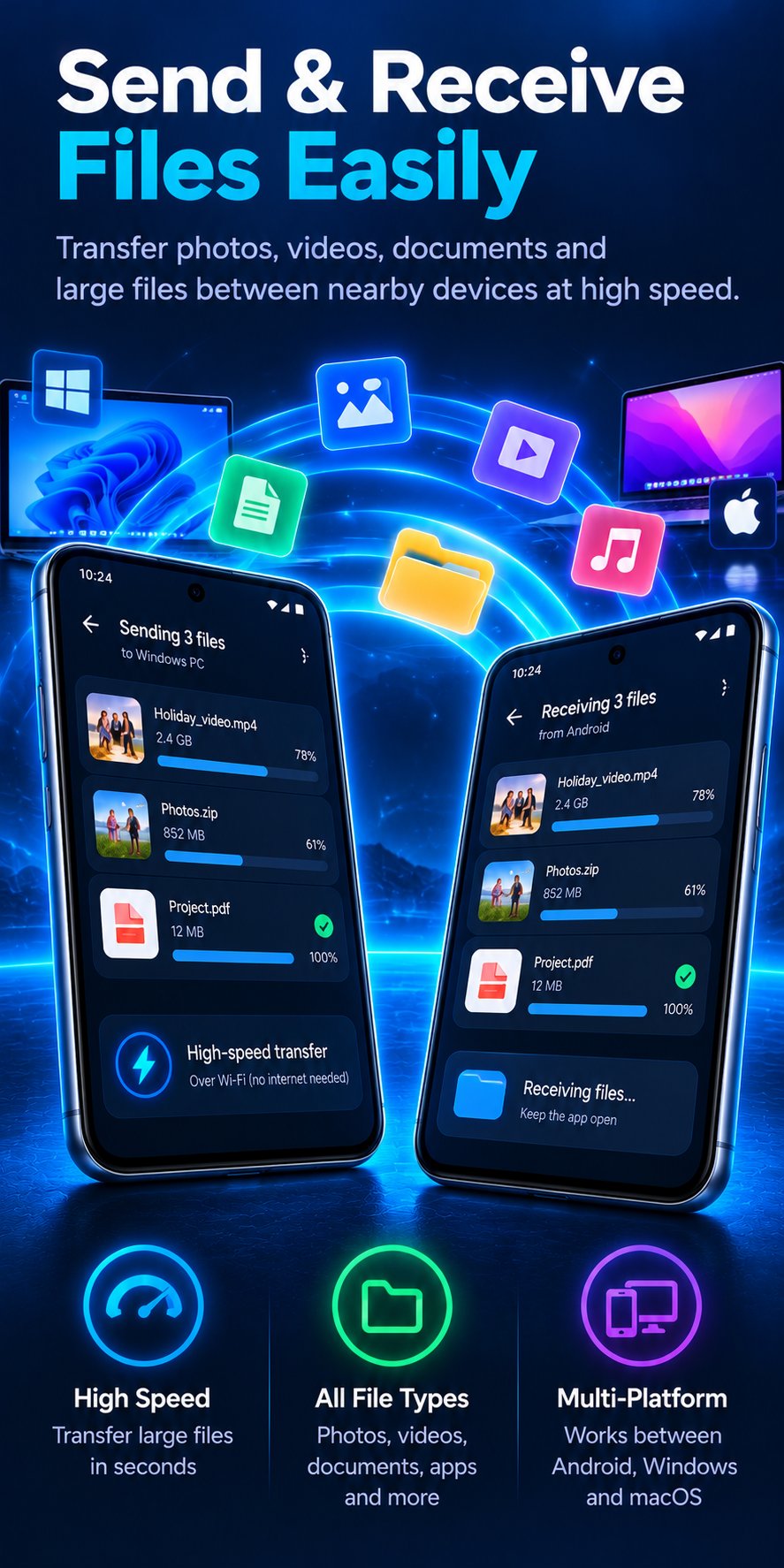
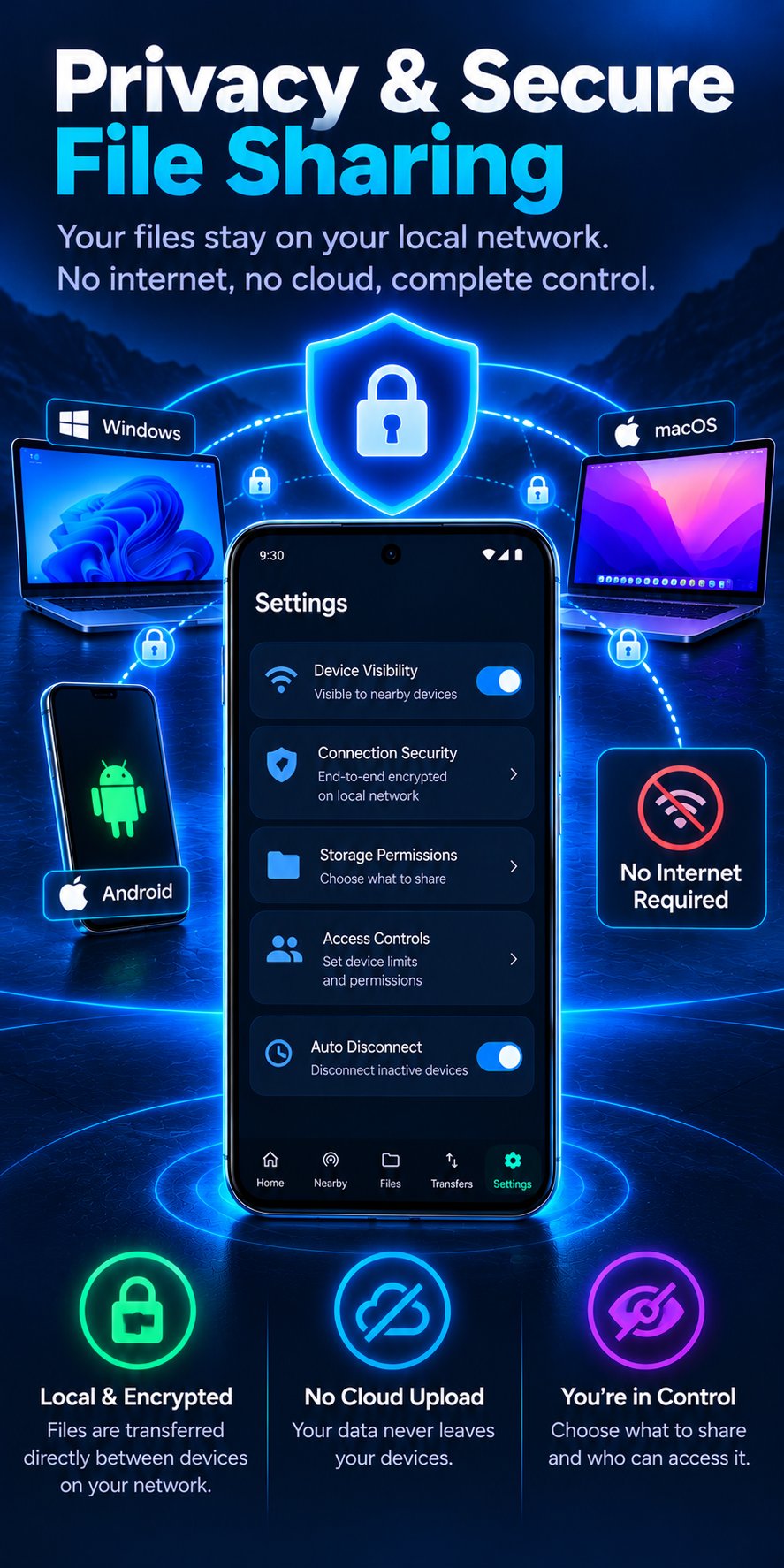
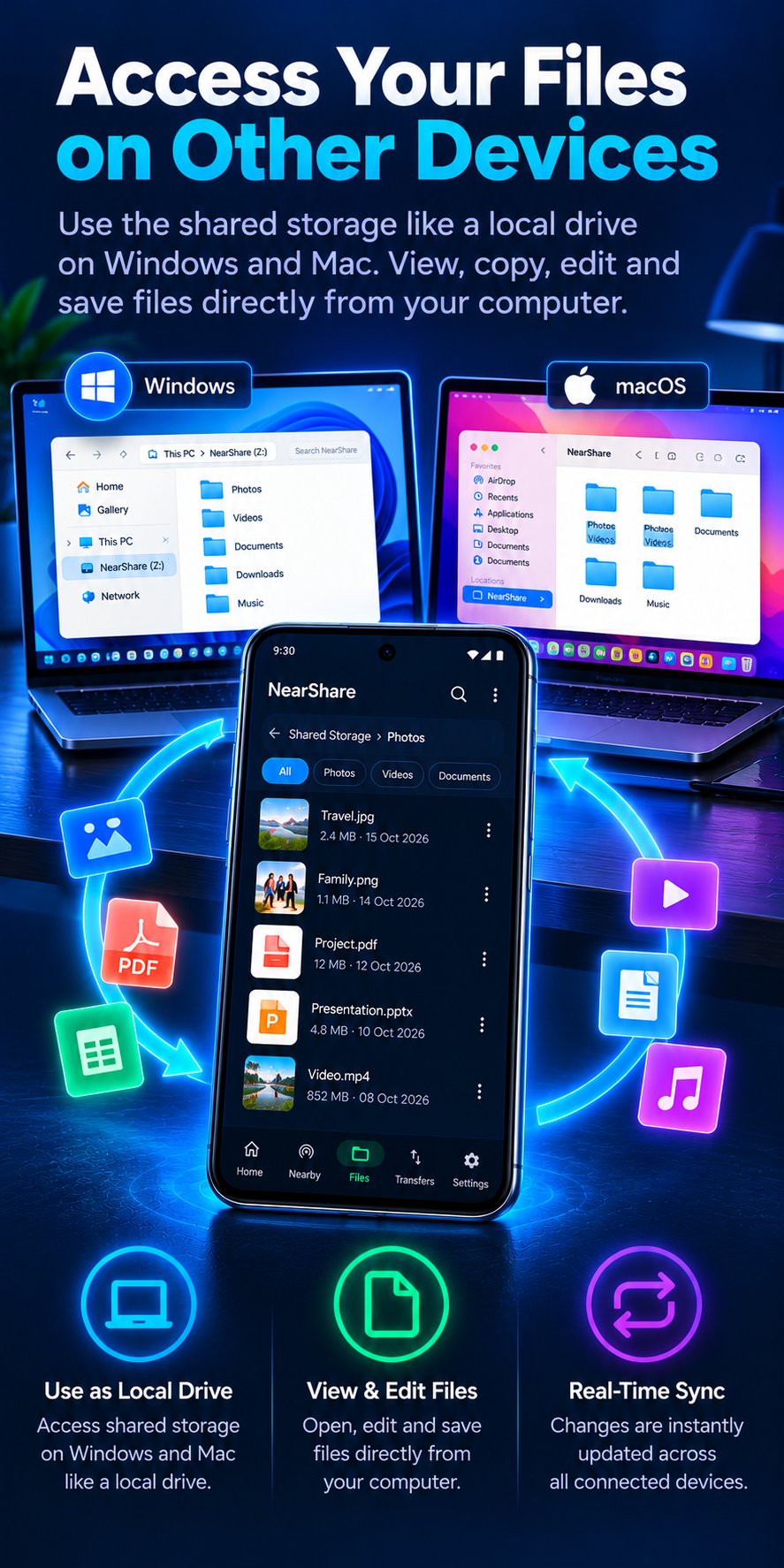
These are design illustrations, not exact screenshots. The app's name in them (“NearShare”) is a working title, and some details differ from version 1.6.0: showing the host as a drive in File Explorer or Finder is not built yet (it exists on Android only), and there is no automatic sync. The Features page lists what each version really does.
Private by design
- No server of ours. Files travel directly between your devices. There are no accounts, no analytics and no ads.
- Encrypted and authenticated. Connections use TLS with pinned certificates; pairing needs a code both people can see, so a stranger on the network cannot slip in.
- The host decides. Permissions and limits are checked on the host for every single action, not just in the app.
Read the full Privacy Policy and Terms. The source code is available on GitLab under a source-available license.
Ready to try it?
Get the app for your phone and your computer, then share your first folder.